
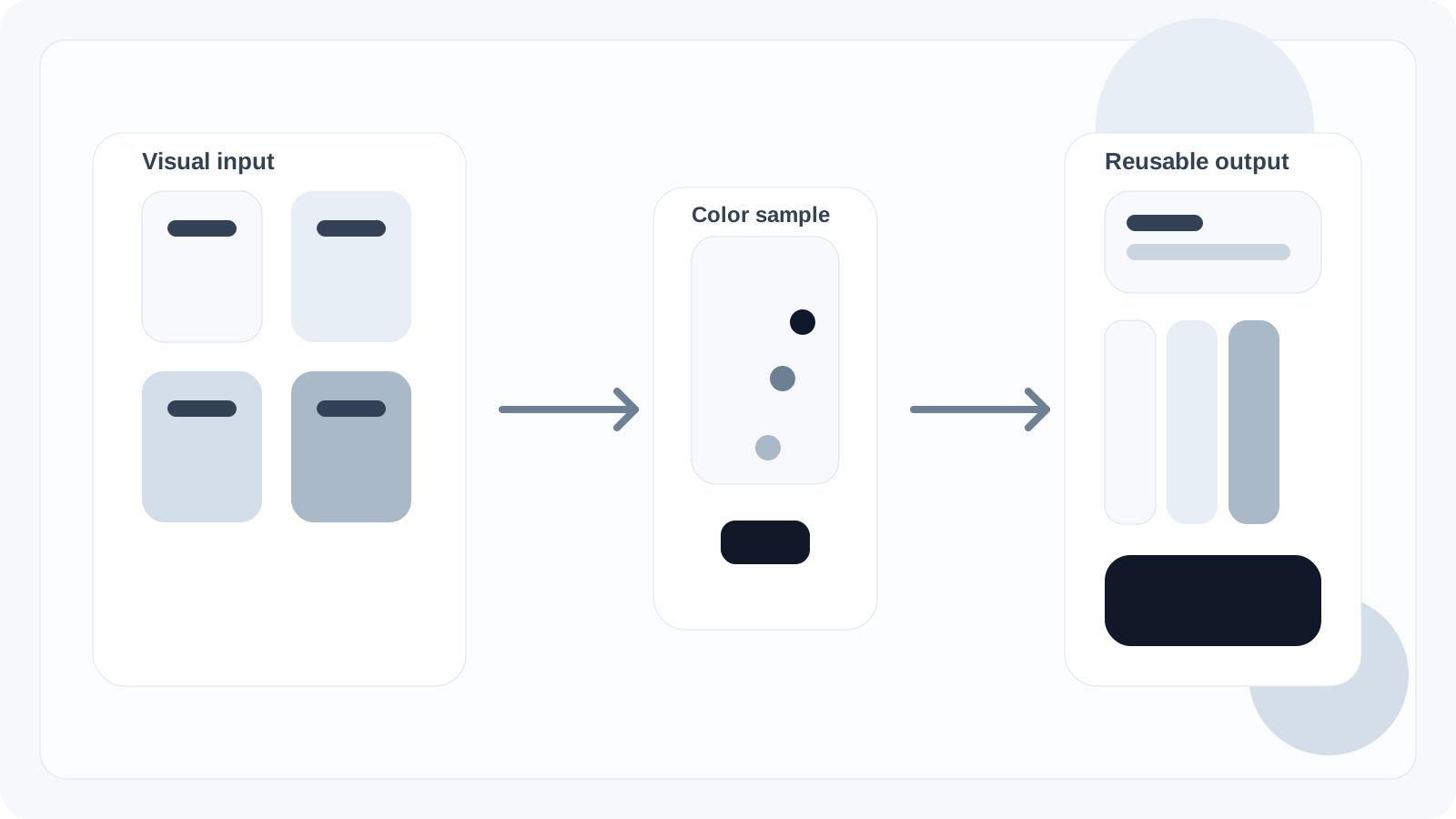
Identify Hexcode is a color picker, color sampler, and hexcode lookup tool built for people who need exact colors from real-world visual references. Instead of guessing at colors from a screenshot, design file, marketing mockup, PDF, or product UI, the site lets a user upload, drag, or paste a visual and inspect the exact hex value behind any point on the screen. That makes it useful for designers, developers, marketers, founders, product teams, and AI builders who need dependable color information instead of approximations.
The site is useful because it starts from the way people actually work: they already have a screenshot, website reference, logo, PDF, document, or product interface and they need the exact color values behind it.
How the workflow works
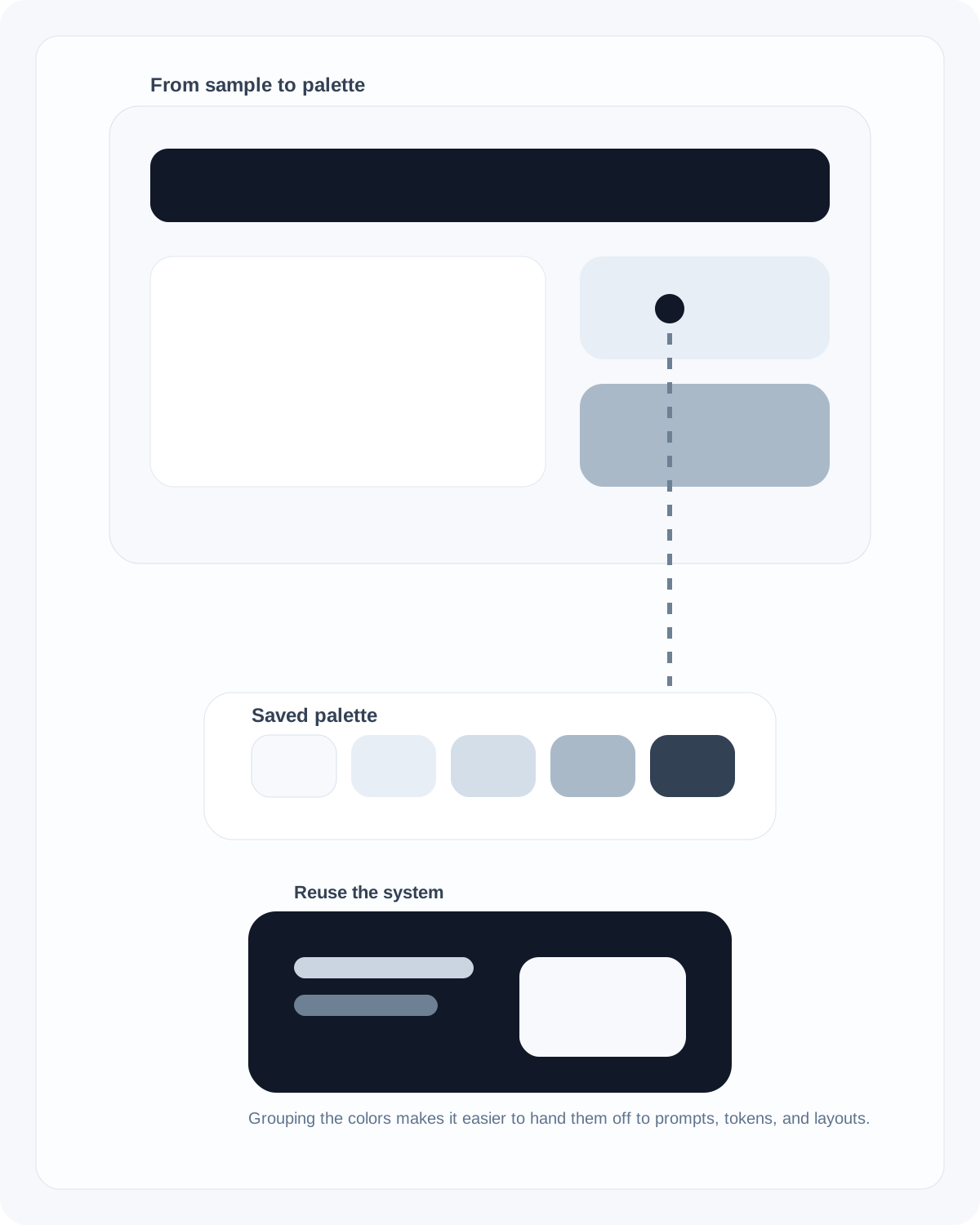
The workflow is intentionally simple. A user uploads an image or document, moves across the preview, inspects the live color sample, pins a color, and saves that result into a local palette.
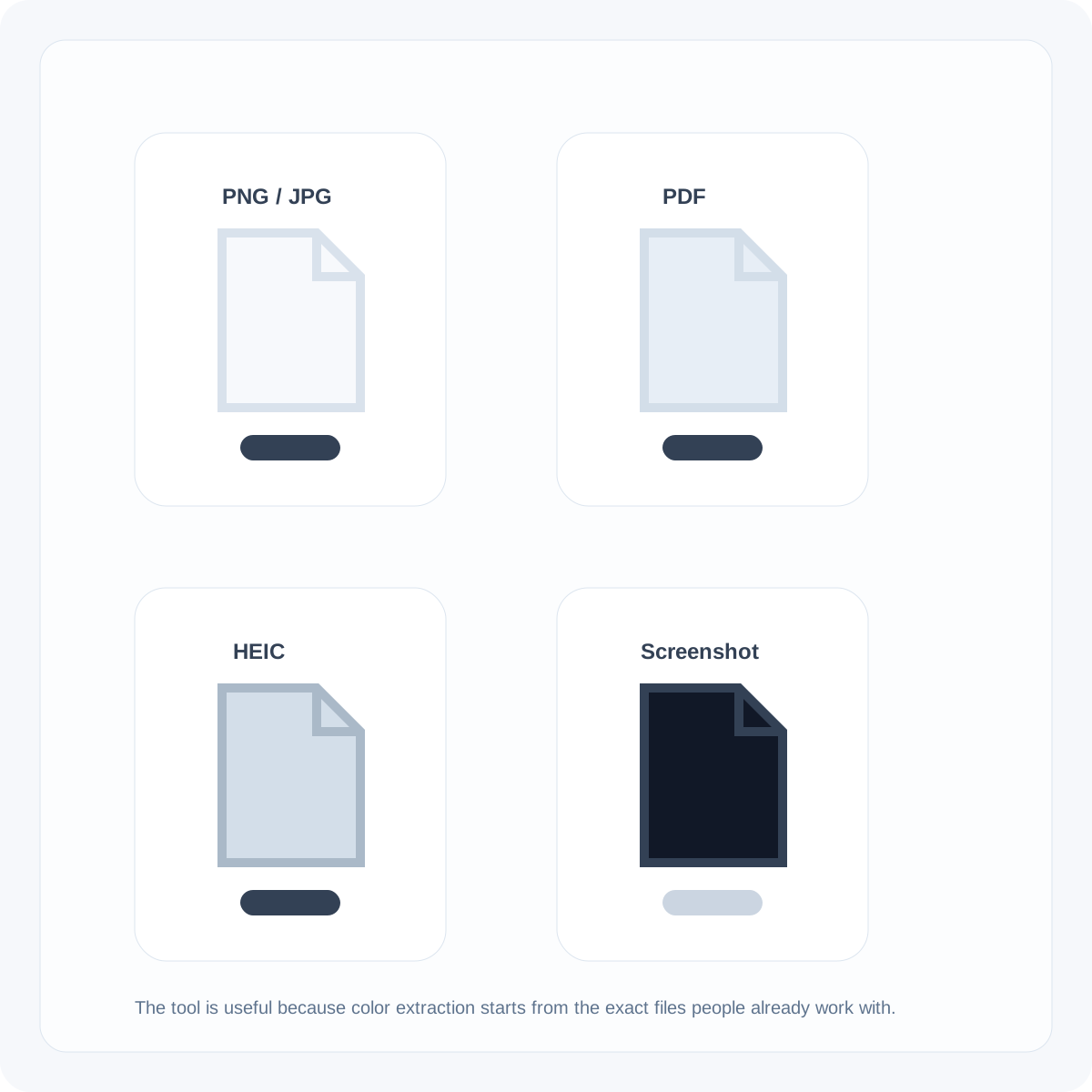
The tool supports common formats like PNG, JPG, WEBP, HEIC, and PDF, which means it works well for screenshots, slide decks, app mocks, inspiration boards, and exported design comps. In practical terms, Identify Hexcode acts as a hexcode finder, image color detector, screenshot color sampler, and palette-building utility in one interface.
Why this matters for design and AI workflows
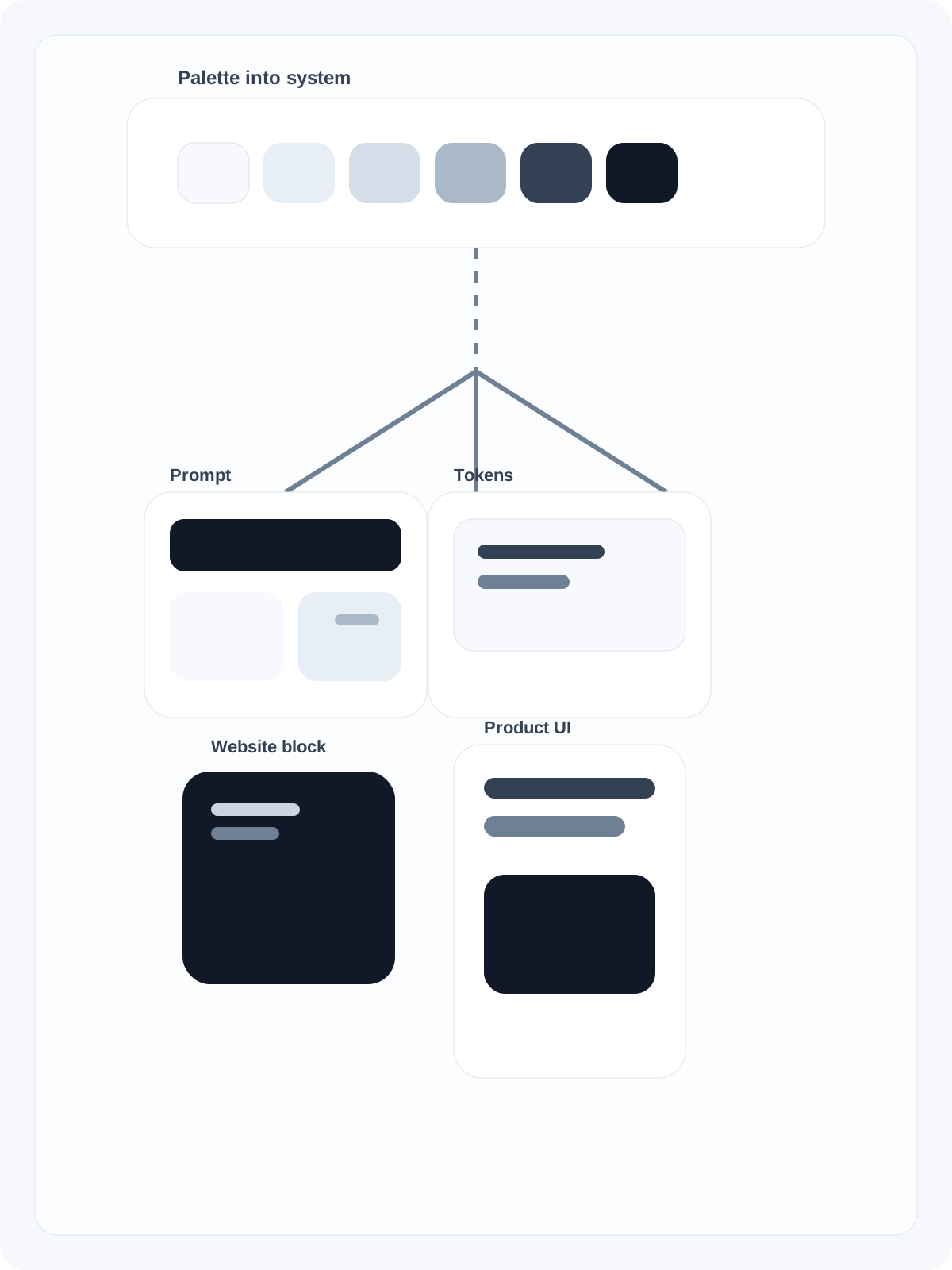
This site is especially useful in the AI era because exact colors are a key input for AI-generated websites, landing pages, apps, and design systems. If someone is writing a prompt for ChatGPT, Gemini, Cursor, v0, Lovable, Replit, or another AI builder, they need real hex values and a coherent palette system.
Identify Hexcode helps translate visual inspiration into structured color decisions that can be reused in prompts, style guides, token files, websites, and product interfaces.
What problem the site actually solves
Search terms such as color picker, identify hex, color detection, hexcode lookup, screenshot color extractor, color sampler, and AI color palette all point to the same user problem: someone sees a color they want to reuse and needs a fast way to identify it accurately.
Identify Hexcode solves that problem with a workflow that is lightweight, visual, and built for modern design and AI production.
FAQ
What does Identify Hexcode do?
It helps users upload a visual, inspect exact colors, copy the right hex values, and save those values into reusable palettes.
What file types does the site support?
The tool is built for common visual formats including screenshots, exported graphics, and documents such as PNG, JPG, WEBP, HEIC, and PDF.
Who is this site useful for?
It is useful for designers, developers, marketers, founders, and anyone trying to turn visual references into exact color values they can reuse.
Why is exact color extraction useful for AI tools?
AI-generated websites and interfaces work much better when prompts include exact colors and a coherent palette instead of vague descriptions.